Build, run and ship
from your iPhone or iPad.
Four interpreters running on the device, a full Git engine, SSH and SFTP, an assistant, and an agent that plans a backlog and works through it.
Deep Blue
Drag to rotate
The whole environment,
on the device.
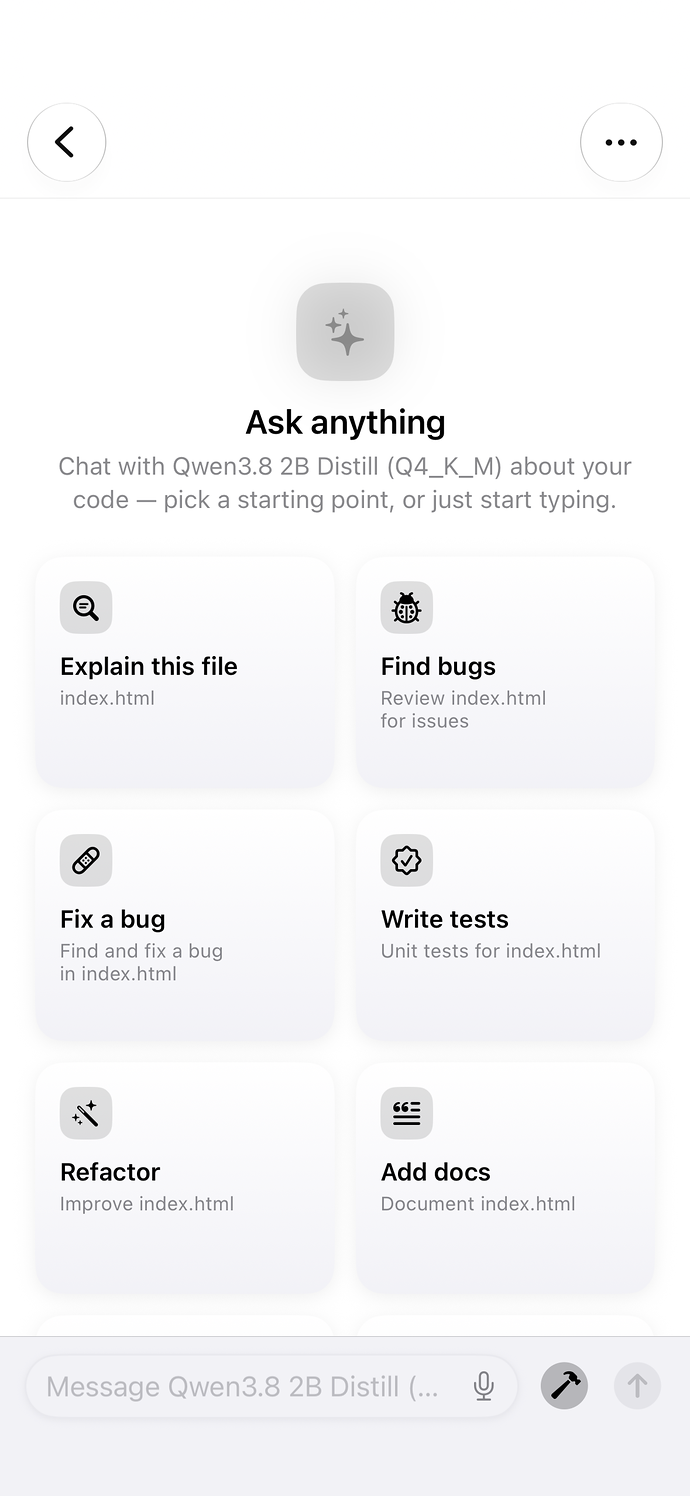
AssistantAsk anything, or start from a task.
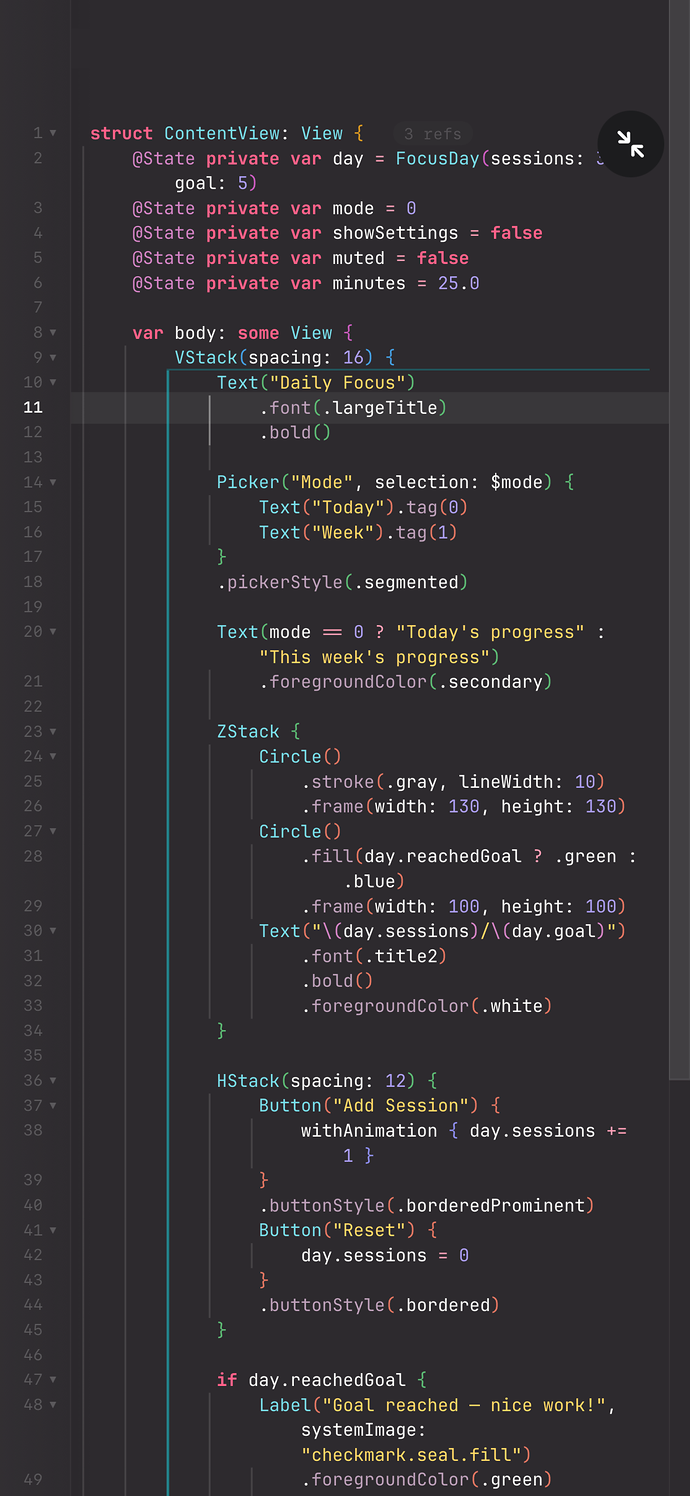
Editor309 themes, or bring your own.
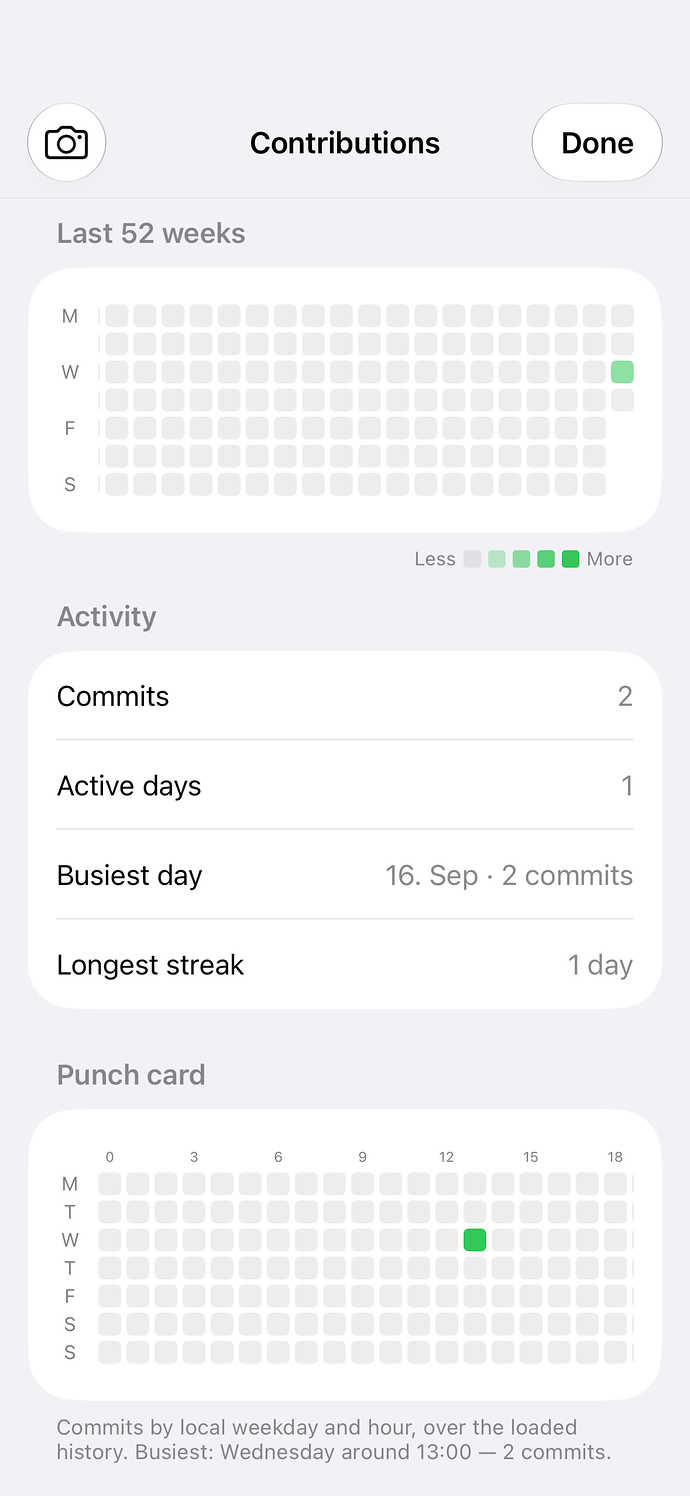
InsightsEvery commit, counted on device.
Setting the new standard for
mobile development.
Interpreters, version control, remote access, an on-device assistant and an autonomous build agent, in one application that answers to nothing but your device.
Precision editing, at speed.
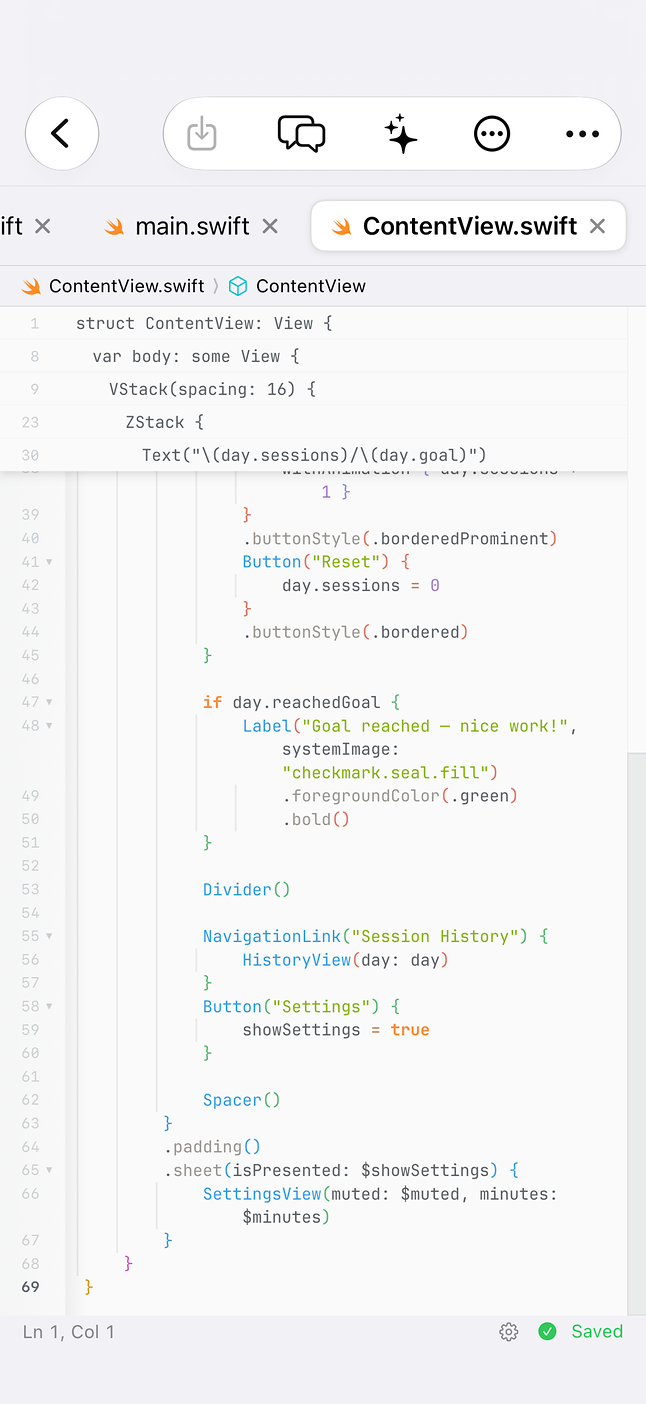
Multiple cursors, code folding, sticky scroll, inlay hints and around sixty line operations. Project-wide search and replace with regular expressions, typewriter mode, rainbow brackets and inline blame.
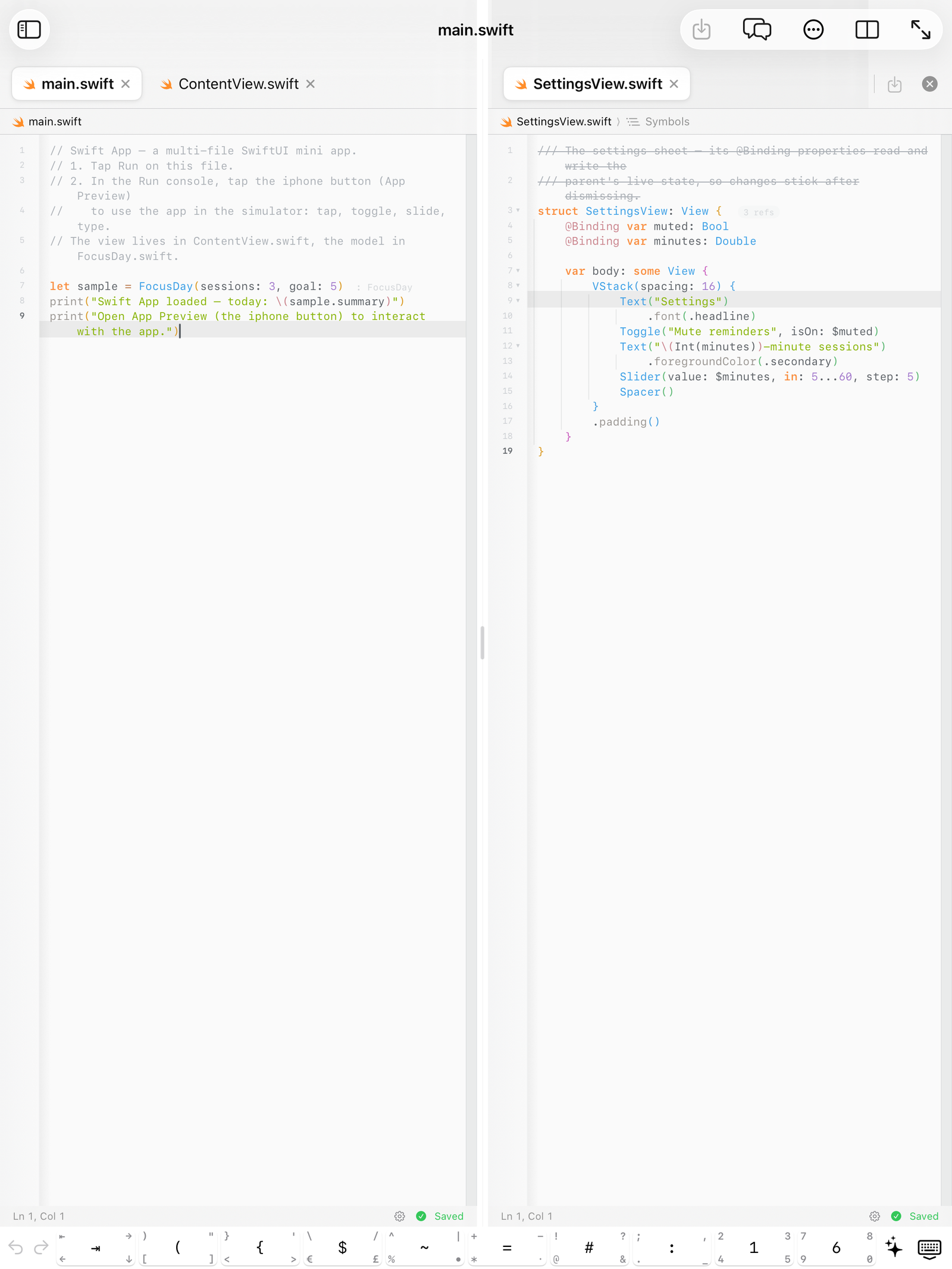
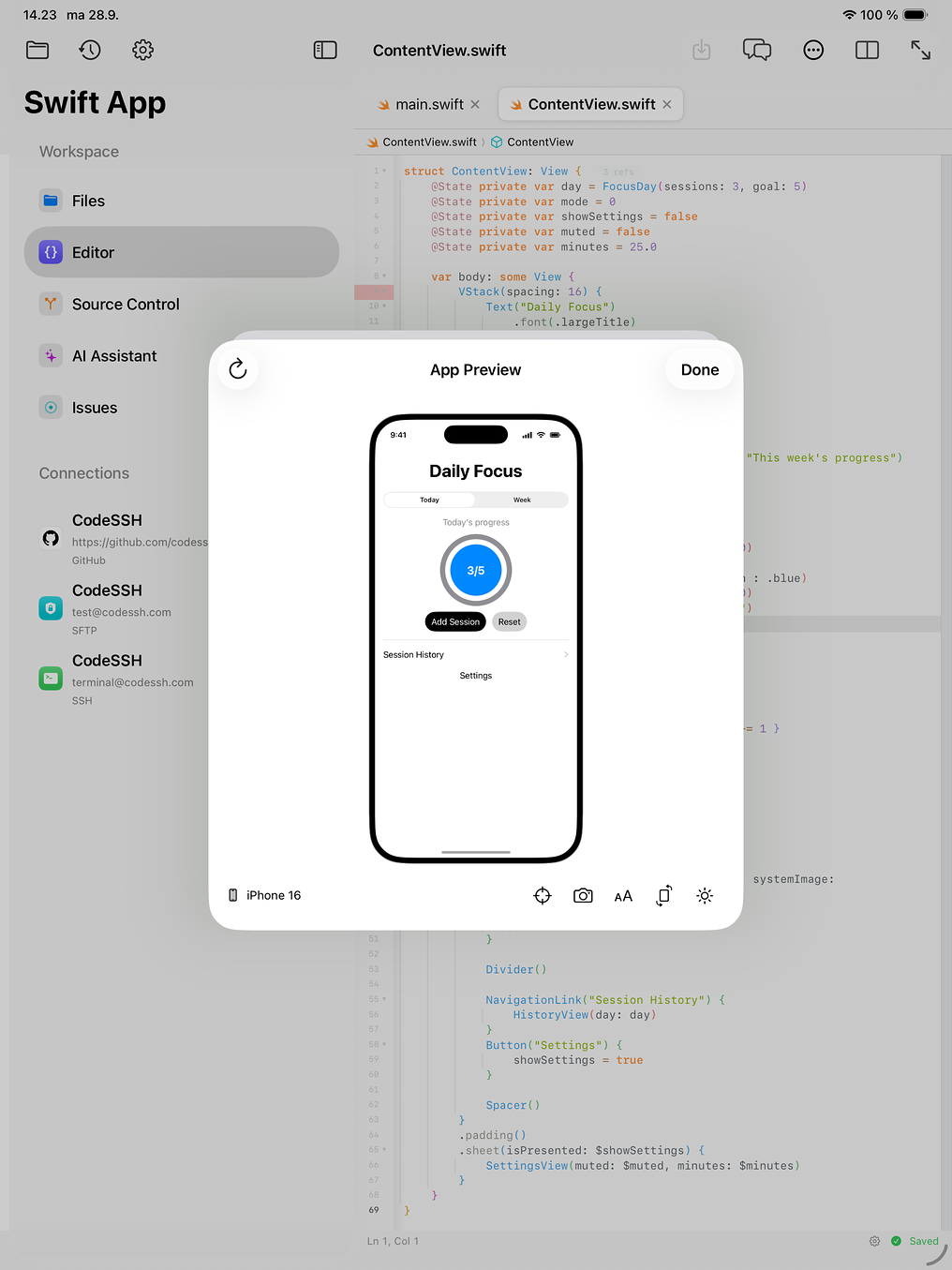
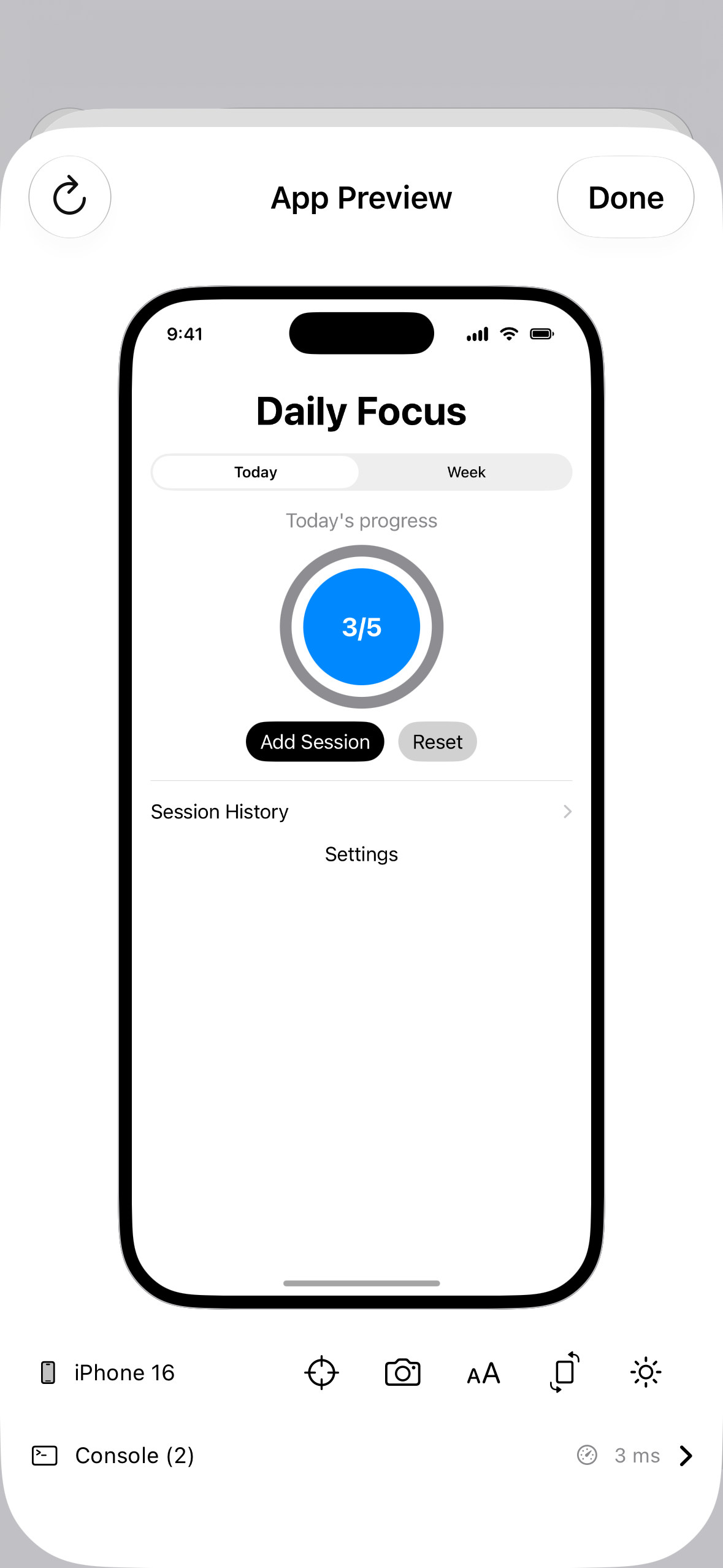
Four languages, executing on device.
JavaScript, Swift, Python and Java run locally through embedded engines. A console with stdin and history, a test runner with a trend chart, Jupyter notebooks, and a live web preview you can serve to your network.
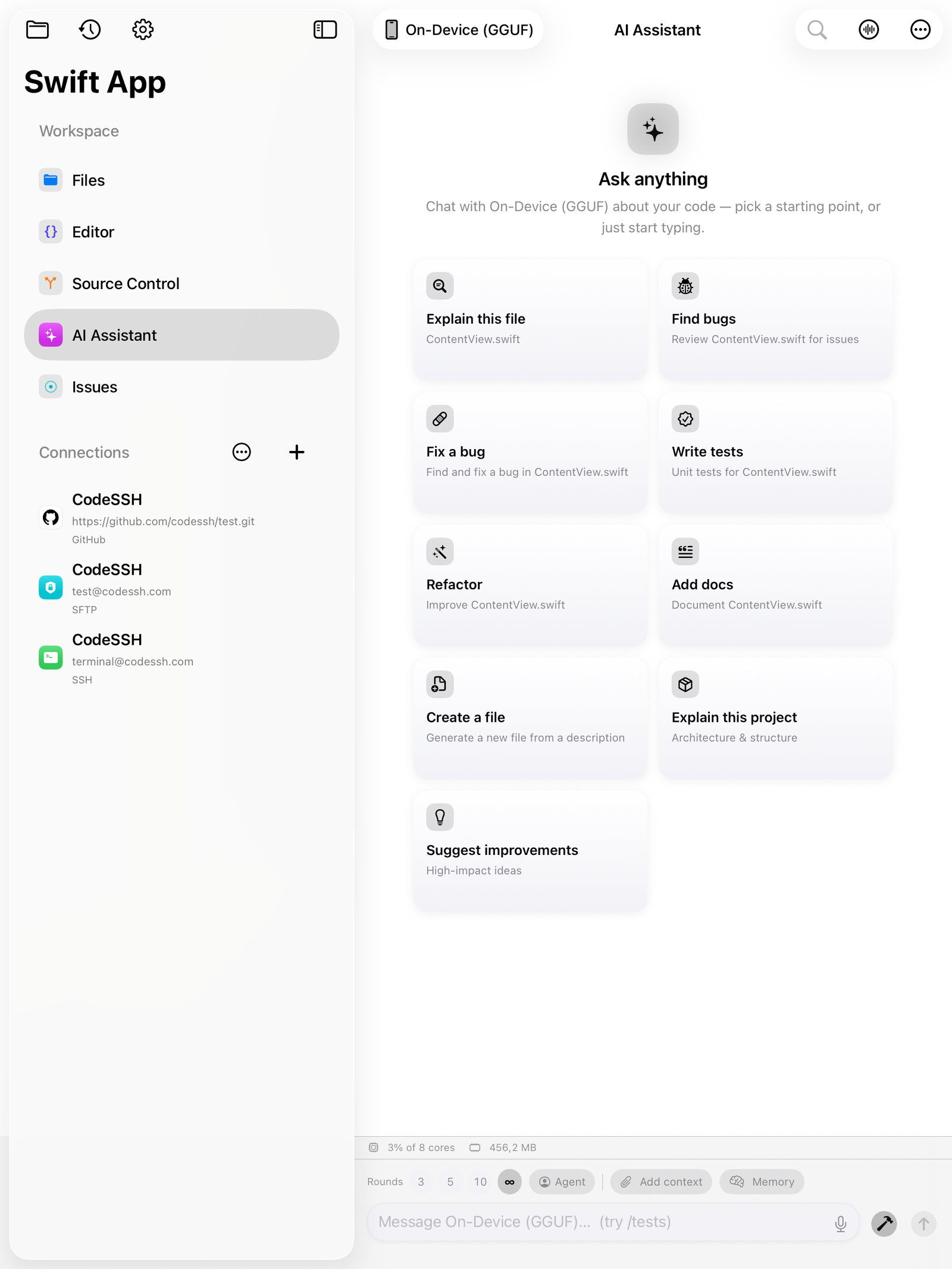
Intelligence that never leaves the device.
Run a model on the Apple GPU with nothing leaving your hardware, or connect the provider you already pay for. You decide which files, tabs and diffs are sent, and an inspector shows you exactly what was.
It plans the work, then ships it.
Give the agent a goal and it builds a backlog from your file tree, then works task by task: editing in place, verifying, and committing each step to Git. Round limits, spend caps and a thermal pause keep it bounded.
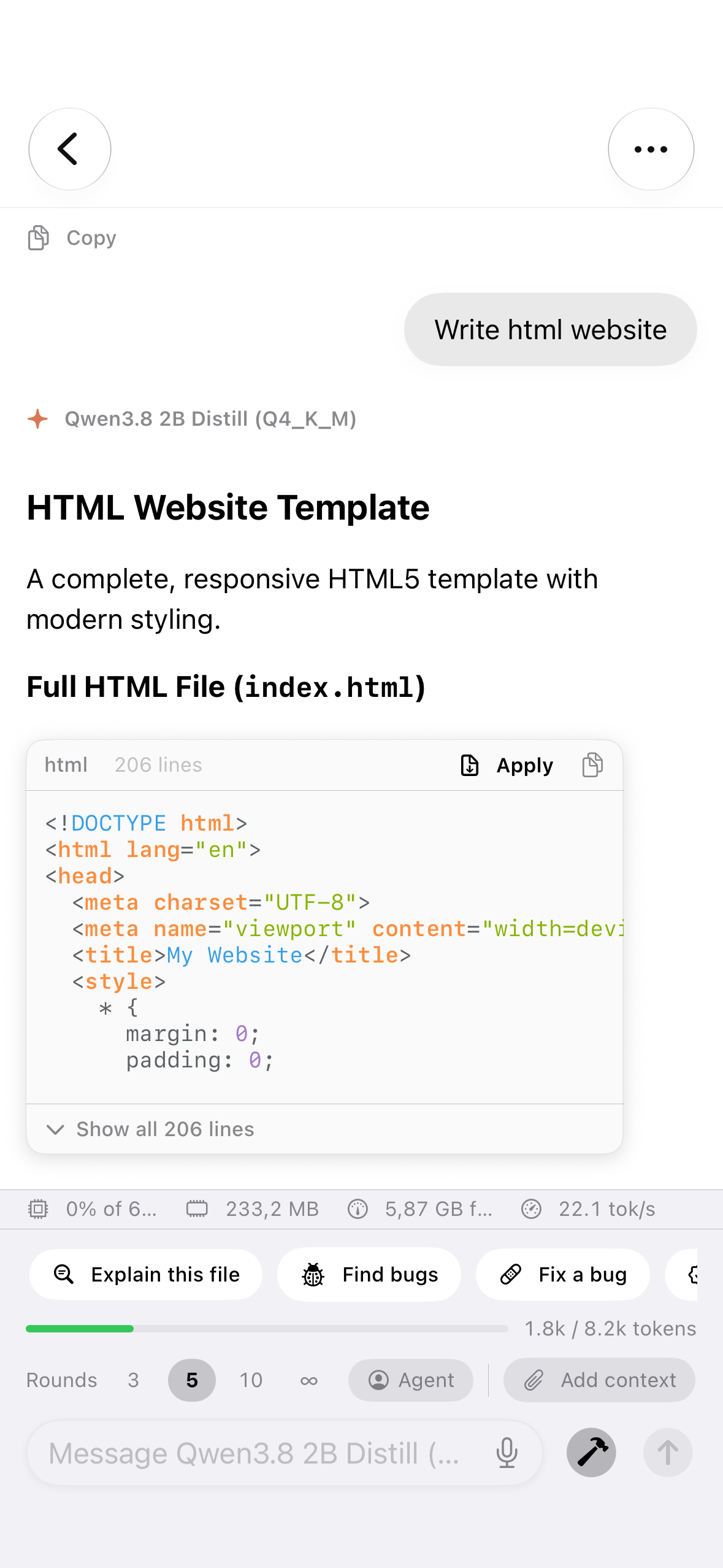
The complete Git model.
Stage by file, by hunk, or by a single line. Merge, rebase, cherry-pick, stash, blame, bisect, worktrees and submodules. Pull requests on GitHub, GitLab and Bitbucket, with credentials in the Keychain.
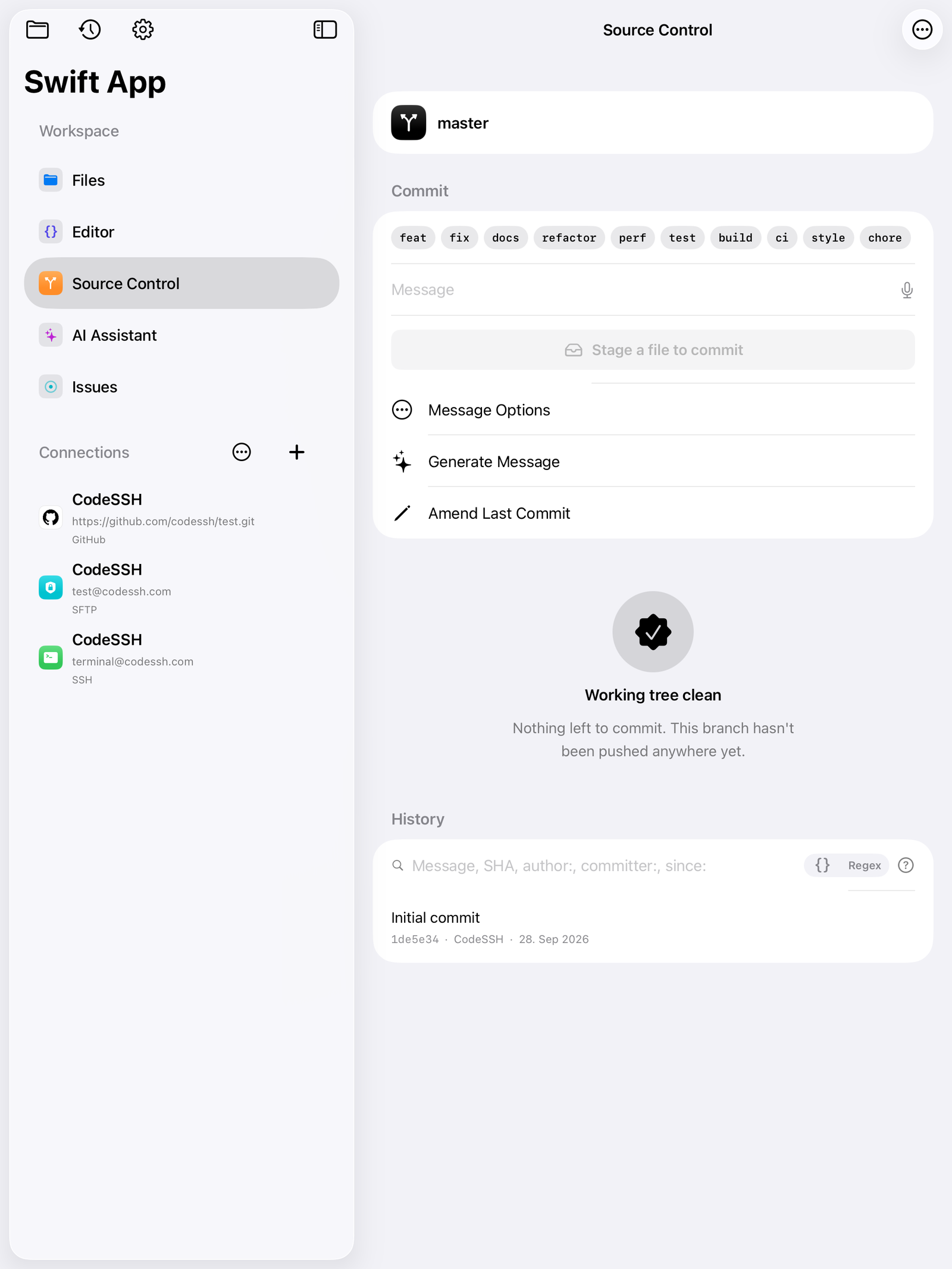
Your servers, one tap away.
A full terminal emulator with true colour, tabs and split panes, jump hosts, port forwarding and proxy support. Scrollback survives a relaunch, and host keys are pinned on first use.
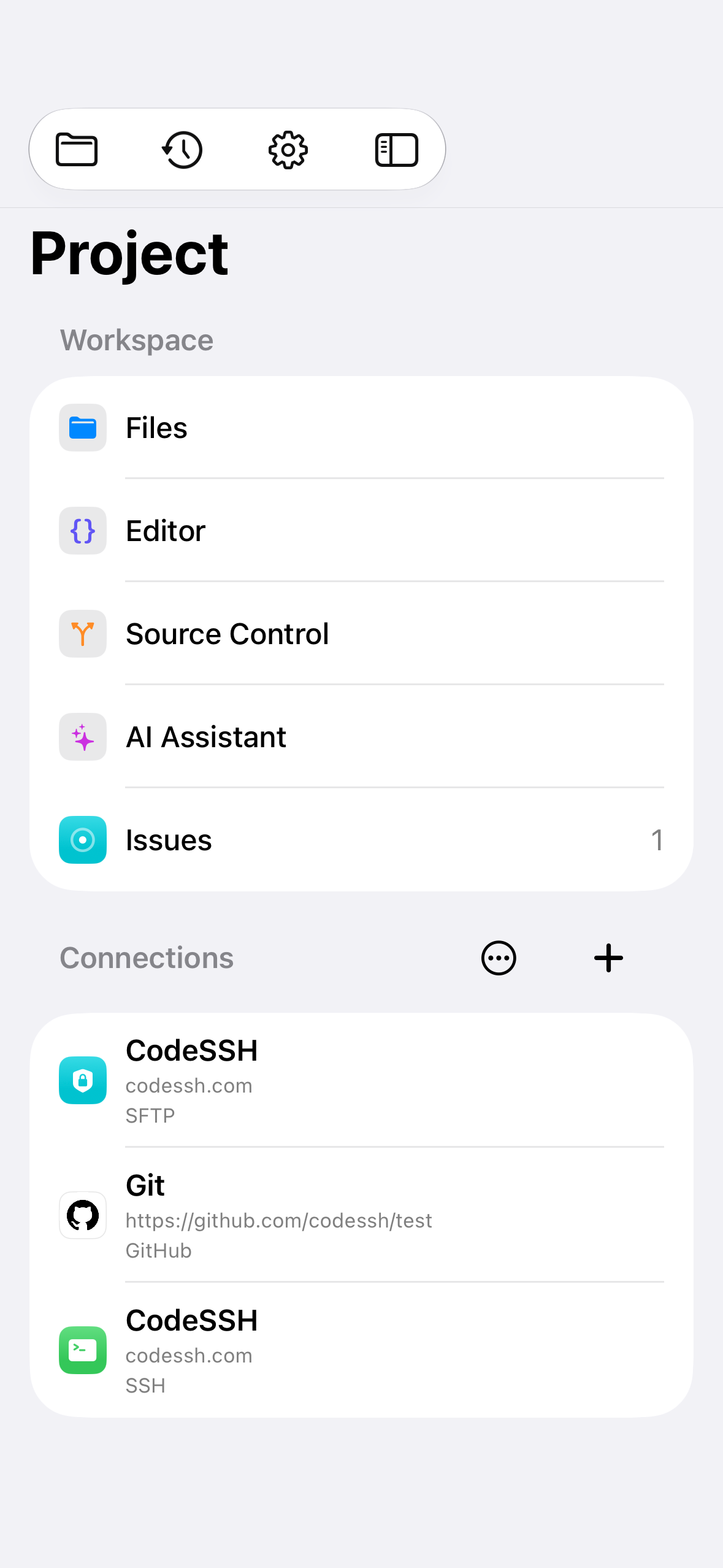
Plan, track and close, in place.
Triage through to Done, with cycles, milestones, SLAs, sub-issues and a roadmap across projects. Round-trips to GitHub, starts a branch from an issue, and closes when the fixing pull request merges.
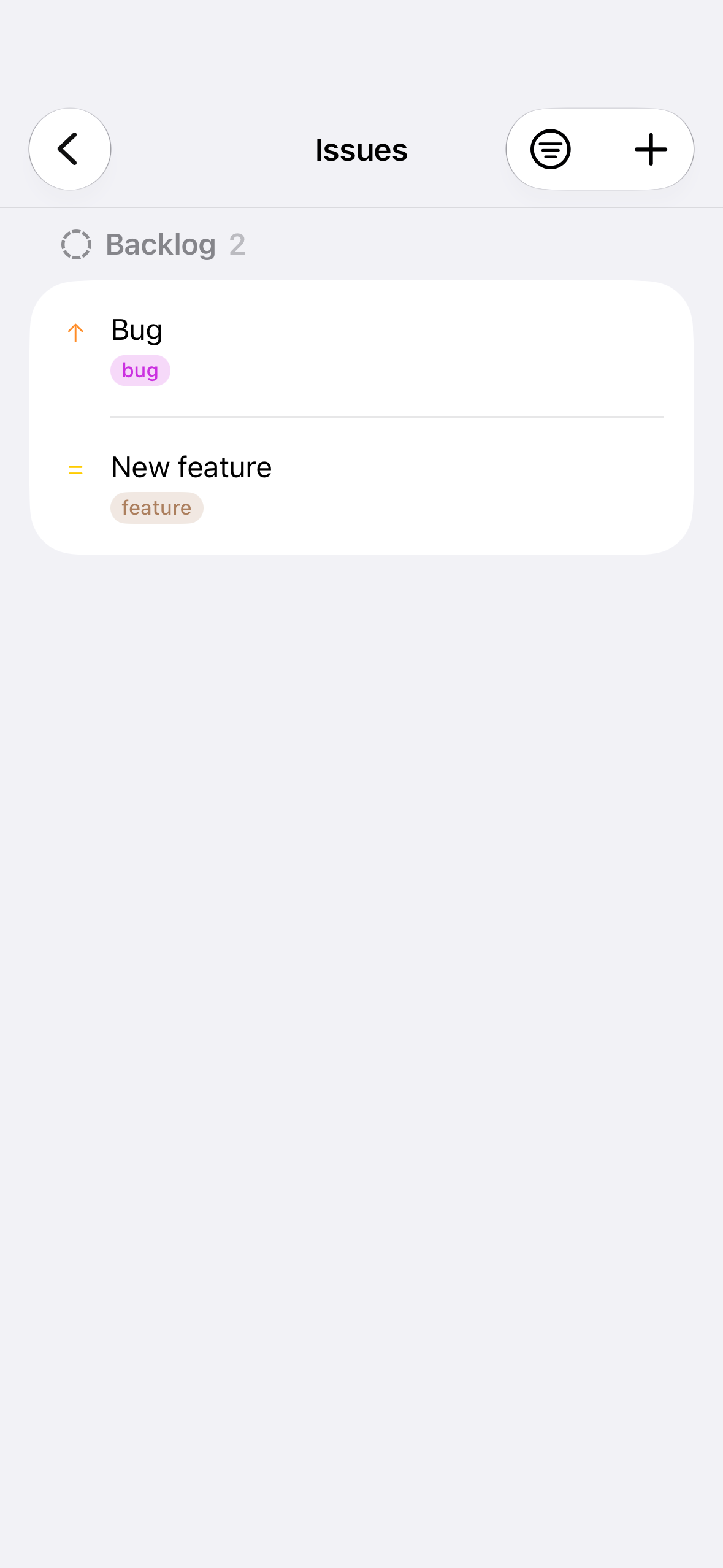
Your files, exactly where you left them.
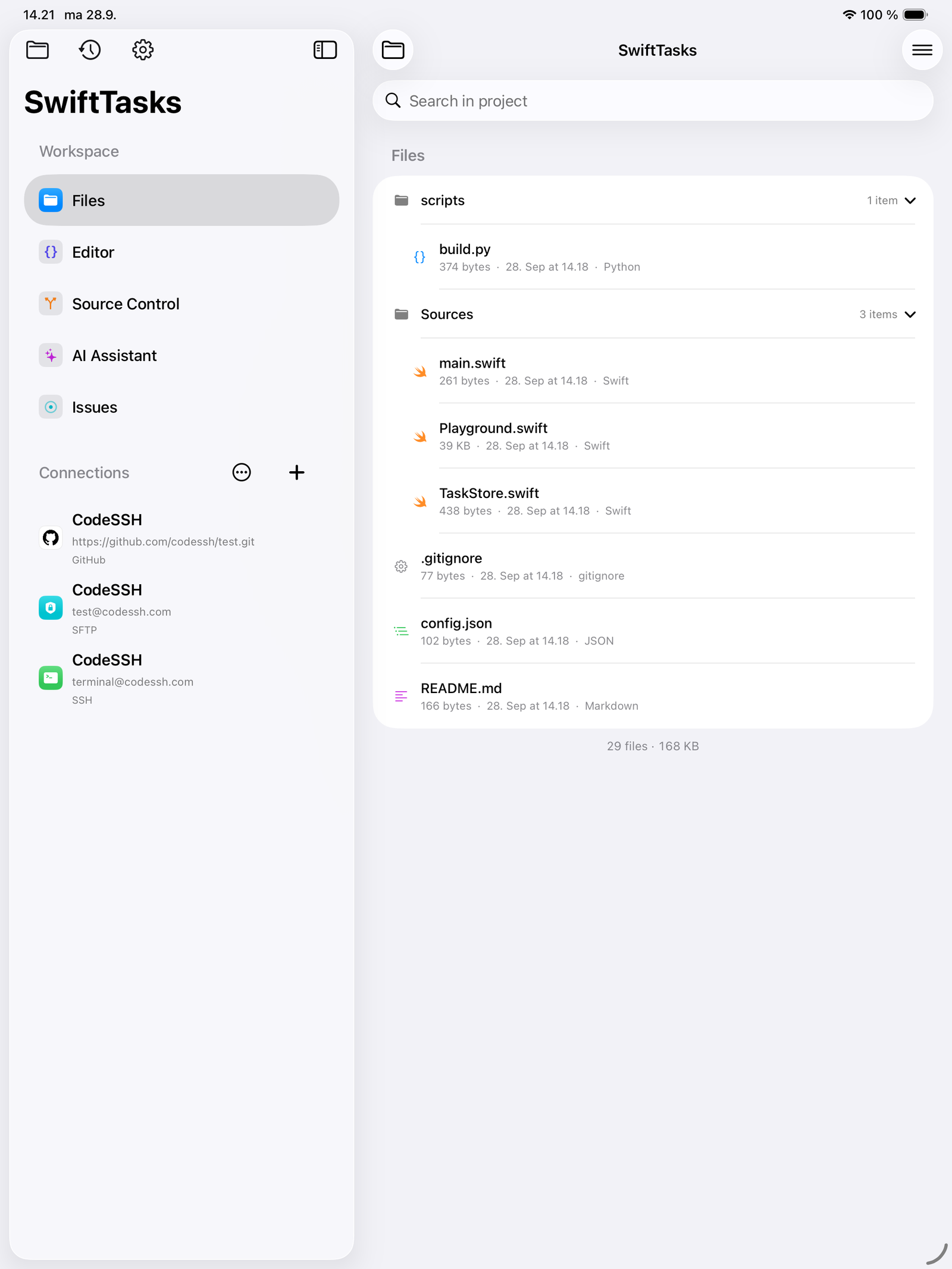
A project is a folder. No project file, no index, no import step, and the Files app opens the very same directory. Zip import and export, per-file local history and a per-project trash.
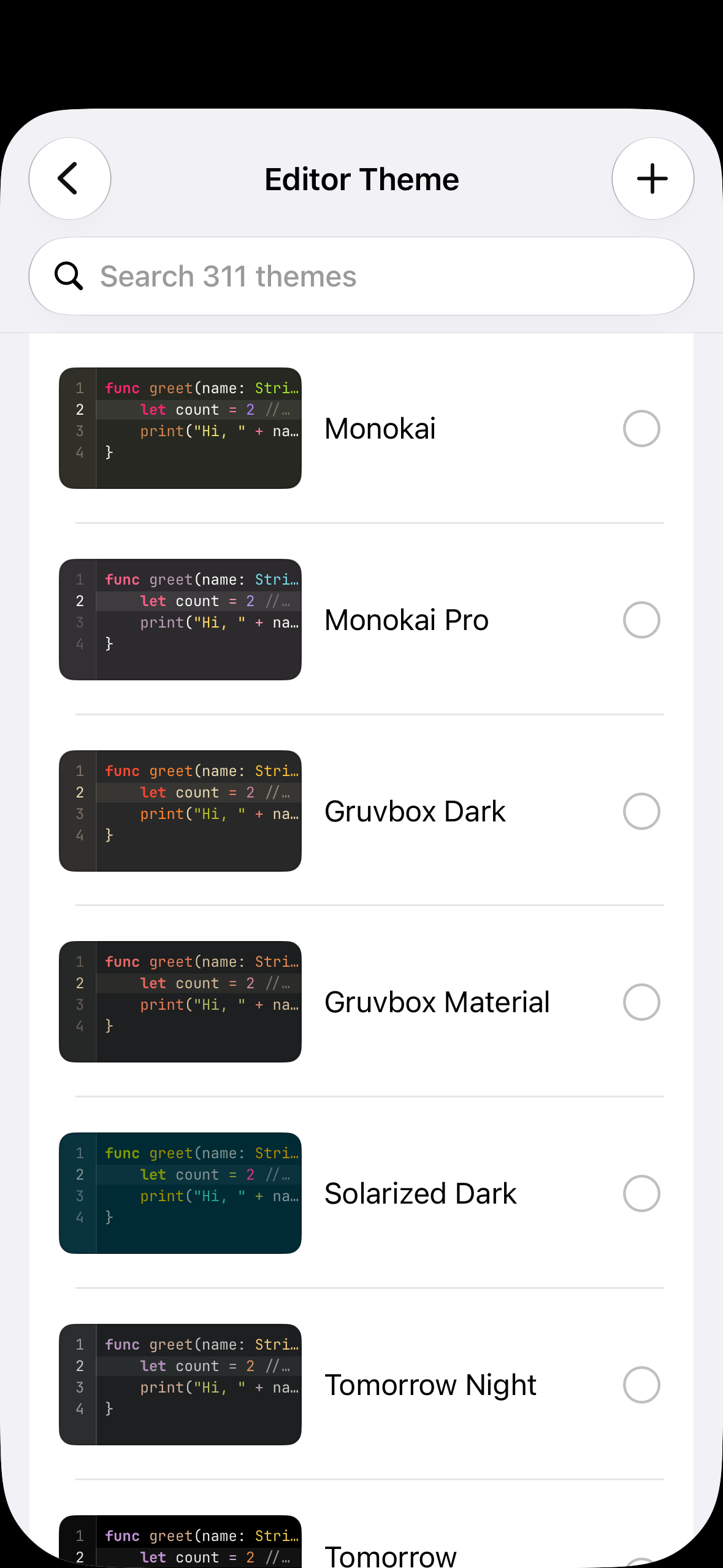
Make it yours,
down to the caret.
309 themes built in, from Ayu to Catppuccin and Nord, or import a .tmTheme or .xccolortheme of your own. Pair a light theme with a dark one, bring any font, and remap every key.
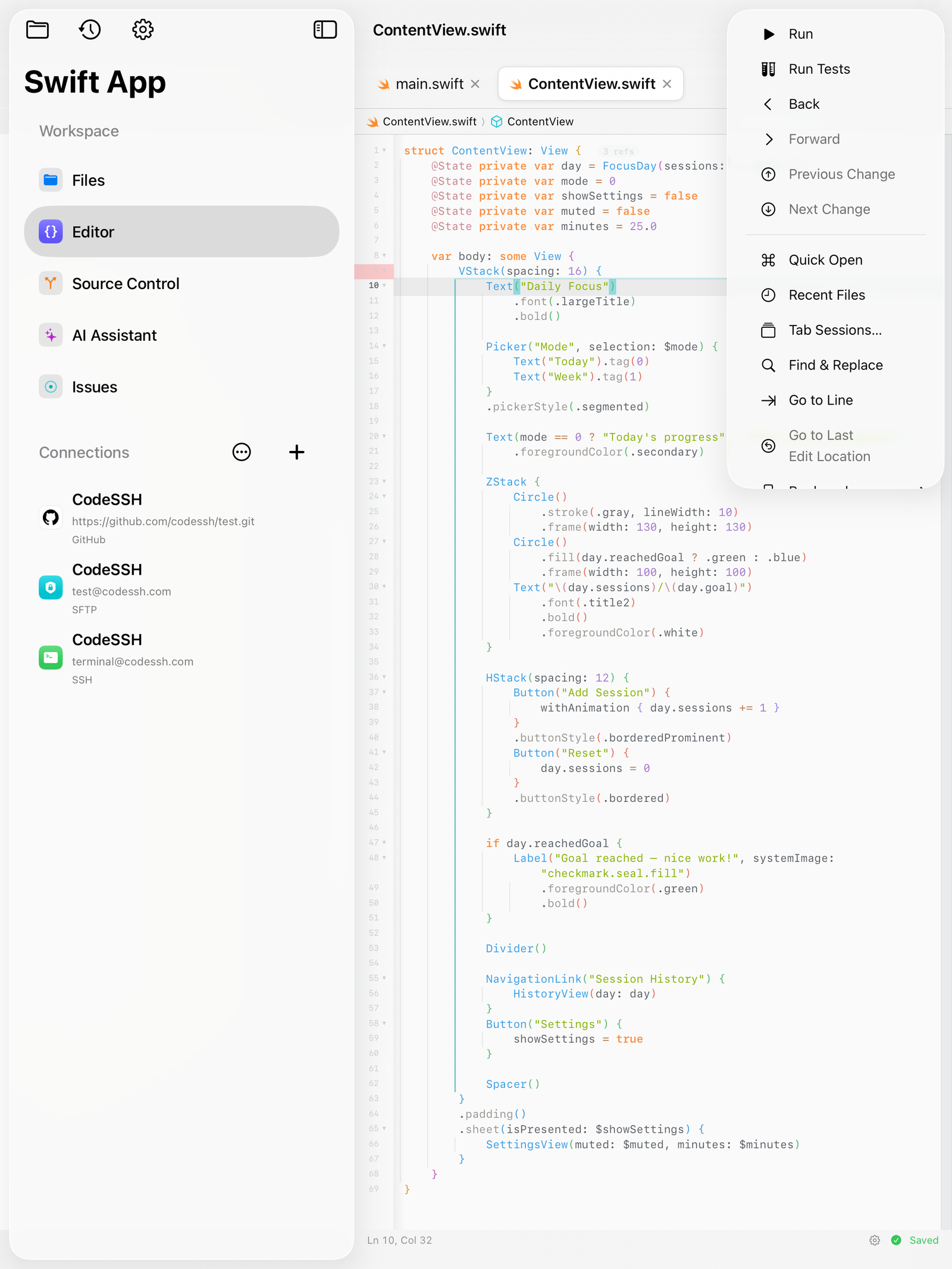
Woven into the system.
A command palette over every command, remappable shortcuts, seventeen App Intents for Siri and Shortcuts, Spotlight indexing and deep links. Face ID lock and an encrypted vault for everything sensitive.
Everything happens
on your device.
The editor, the toolchain, version control and the assistant all execute on the hardware in your hand. That is an architectural decision, and everything below follows from it.
Compile, run and test without a round trip to a build server. Output appears in the console beside the code that produced it, in the time it takes the device to do the work.
Indexing, completion, builds, tests and the assistant all continue with the network switched off. A flight, a tunnel or a dead hotspot changes nothing.
Nothing to upload, no queue to wait in, no container to spin up. Press run and it runs, every time, at the same speed.
SSH keys are generated inside the Secure Enclave and cannot be exported, by you or by us. Tokens and passphrases are held in the Keychain, locked to the device.
No account, no licence server, no seat to reassign. There is no session to expire and no service that can be withdrawn from underneath your work.
No analytics, no crash uploads, no usage reporting. Your source never reaches us, because the application has nowhere to send it.
Written on the train,
shipped from the sofa.
I fixed a production bug from an airport gate with nothing but a phone. Cloned, patched, tested, pushed. Fifteen minutes.
The completion is local, which I did not believe until I turned off the wifi and it kept working exactly the same.
My Xcode theme imported byte for byte. That is a small thing and it is the reason I stayed.
Twenty-five dollars, once. No seat, no tier, no renewal email. I had forgotten software could be sold like this.
Split view on the iPad with the keyboard attached is genuinely a workstation. I stopped carrying the laptop to conferences.
Everything stays on the device. For our compliance review that was the entire conversation, and it took four minutes.